Beyond the Proxy: What Breaks When You Scale Multi-Account Operations Past 20 Profiles
Learn why you need more than just proxies to run and scale multi-accounting operations.
The short answer
Most people running multi-account operations assume the proxy is where things go wrong. You get flagged, you blame the IP, you switch providers, and the cycle repeats. After enough of these cycles, a pattern starts to show up: the proxy was rarely the actual problem. It was the easiest thing to blame because it's the most visible part of the stack.
If you've been running 5-10 accounts for a while, you've probably gotten away with a loose setup, a few residential IPs, and three different regular browsers. That setup works for that small scale, but the moment you push past 15-20 active profiles, many issues show up. The accounts get banned or suspended. So you blame the proxy, and you try again, and it happens again.
This article is your guide on what is happening, what is causing it, and how you can set up for any number of accounts and still run smooth operations.
The Proxy Isn't the Bottleneck You Think It Is
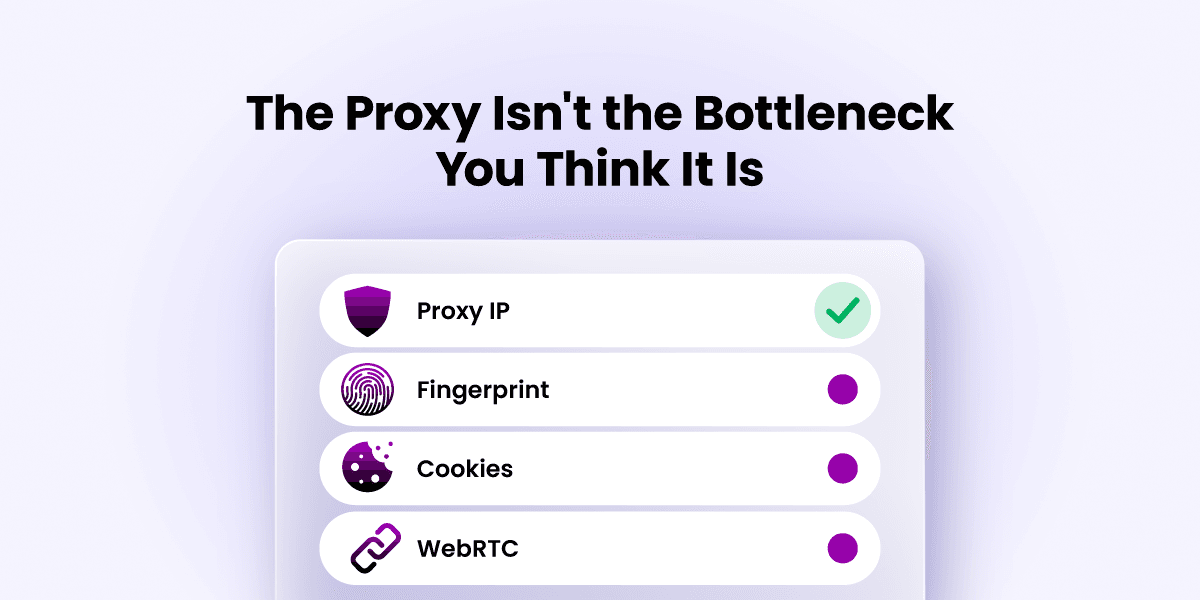
A clean residential or ISP proxy solves exactly one problem: it masks your real IP address and hands you another one that belongs to a real device, in a real location, on a real ISP network. That's genuinely useful, and is exactly why PROXIES.SX invests heavily in maintaining clean residential and ISP proxy networks. It's what lets you run several accounts from the same machine without every single one of them showing up at the same address. But that's also the full extent of what a proxy does.
For web platforms these days, and this applies whether you're dealing with ad platforms, marketplaces, or social networks, IP addresses are just one signal among many other things that track to identify their users. A proxy can have a clean history, correct geography, no prior abuse flags, and the account still gets banned.
Proxies are usually labelled as the culprits because that is the part of the stack people understand best. It's a product you buy, a setting you change, a number you can point to. Web fingerprinting techniques feel more abstract, so they get less attention, even though they're often the reasons why these operations actually fail.
What is Browser Fingerprinting and Why Does it Matter for Multi-Accounting
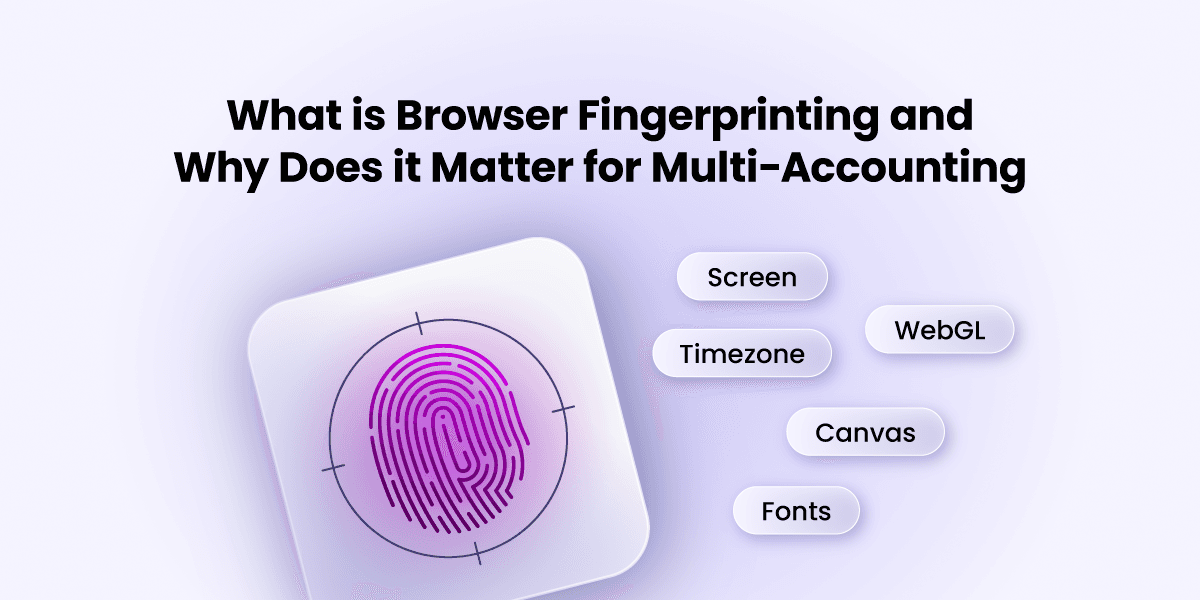
Every browser broadcasts multiple data points to the websites it accesses, whether you're aware of it or not. The process of stitching these data points together to identify a user is called browser fingerprinting. It's not new; it's been in place for years, and several offshoots like canvas fingerprinting, WebGL fingerprinting, and TCP/IP fingerprinting have developed around it over time.
This tracking method isn't easy to stop with a simple consent box, the way cookies are. It works using the exact mechanisms your browser already uses to function. For instance, how a browser renders graphics, which fonts it has installed, how it reports your screen size and timezone, and how your network stack behaves, are different processes that are exploited to create a browser fingerprint. The Electronic Frontier Foundation (EFF) says it is almost 99% unique to you.
The problem isn't the fingerprint itself. The problem is what happens when multiple accounts begin sharing the same one.
Why Browser Fingerprints Break Account Isolation
This is why regular browsers cannot offer true browser profile isolation. Open 3 accounts in 3 Chrome profiles or windows on the same machine, and the browser fingerprint is still identical across the three, even though the proxy might be different for each one.
From the platform's perspective, those accounts may appear to be operated from different locations while still exhibiting the exact same browser characteristics. That creates a contradiction. The IP addresses suggest different users, but the browser fingerprint suggests the same device. The larger the operation becomes, the more often those contradictions accumulate.
For a small number of accounts, that overlap may never become an issue. As the number of accounts grows, however, the risks become much harder to ignore.
Why Separate Browsers and Proxies Stop Working at Scale
When you're working with two or three accounts, you can get away with separate browsers and separate proxies and call it a day; the scale is small enough that nothing forces the gaps to show.
Once you're running ten, twenty, or fifty accounts, that approach falls apart fast, and it tends to fall apart all at once rather than gradually: a handful of accounts get flagged in the same week, the rest of the pool gets reviewed by association, and what looked like a working setup for months collapses in a single bad stretch.
Here's a real-world example:
A collectibles seller running a dozen storefront accounts on eBay, for example, gains almost nothing from buying a dozen clean proxies if every one of those storefronts is still being accessed from the same browser fingerprint. The platform doesn't need to catch the IP. It catches the machine behind it. A repeated fingerprint sitting behind different addresses is, if anything, an easier pattern to catch.
The Best Setup for Large-Scale Multi-Accounting
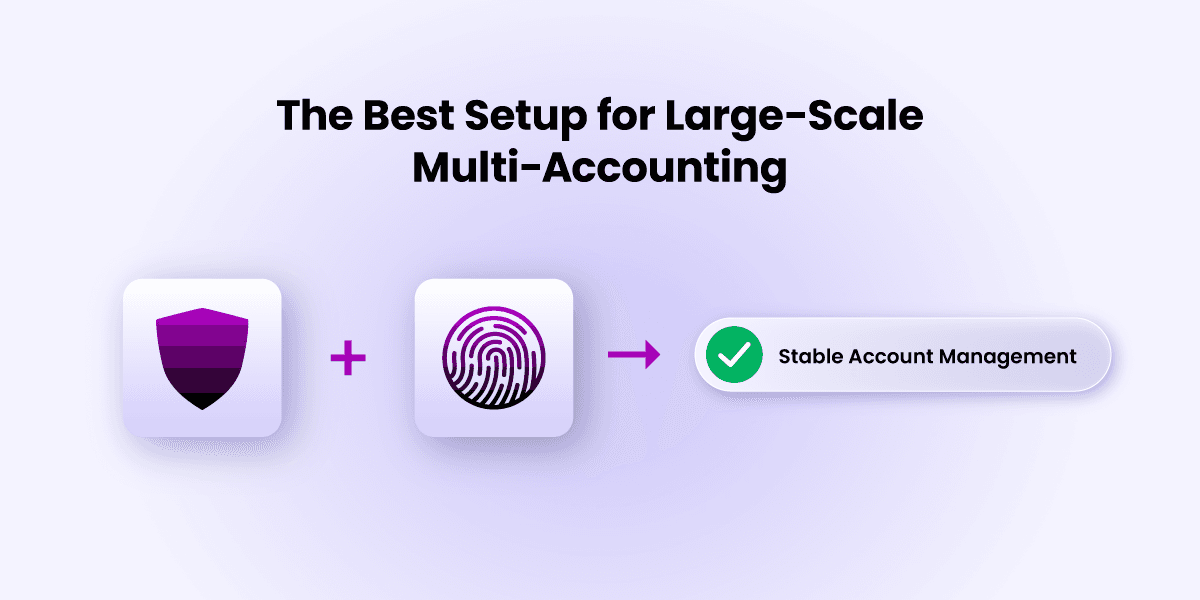
Once you're past the 15-20 account mark, you need two things working together to make your operations go smoothly and efficiently: reliable proxies and an antidetect browser.
Why an Antidetect Browser is Essential
Unlike regular browsers like Chrome, Firefox, and Edge, an antidetect browser like Incogniton is built with advanced capabilities that allow it to counter fingerprinting. They have anti-fingerprinting tech that enables them to spoof their browser fingerprint and provide users with true browser profile isolation.
These specialized browsers can generate a distinct, internally consistent fingerprint for each profile, its own set of fonts, its own canvas and WebGL output, its own timezone and locale, and keep that fingerprint stable every time you open that profile. Each profile behaves like a separate physical device, because as far as the data it broadcasts is concerned, it effectively is one.
Why Proxies Still Matter
Browser isolation is only one half of the equation. Once the anti-detect browser part is settled, you still need a proxy provider with enough clean inventory to give each profile a dedicated, stable IP.
This matters more than people expect: an ad-account operator running campaigns that claim to come from one city loses that proxy's value the moment the browser's timezone, language, or font list doesn't match the city the IP claims to be in. The proxy was fine. The mismatch is what gets flagged, and it gets flagged faster than almost any IP-reputation check would catch on its own.
Best Use Cases for Incogniton + PROXIES.SX
A full-stack setup with any anti-detect browser requires proxies. Incogniton is no different. While the browser takes care of the browser layer of your online identity, you still need proxies to handle the network layer: your IP address, the original internet ID.
Incogniton supports HTTP, SOCKS5, and SSH proxy protocols, so it works easily with PROXIES.SX's services. Here are some use cases for the combo:
Affiliate Marketing Campaigns
Running multiple ad accounts across Meta, Google, TikTok and affiliate networks requires airtight identity separation. Incogniton's profile isolation keeps each account fingerprint-isolated; PROXIES.SX mobile IPs provide the geographic targeting that affiliate campaigns in specific markets require. Each account gets its own profile, its own IP, and its own browsing history - the combination that keeps accounts alive through campaign cycles.
Multi-Account Social Media Management
Social platforms use behavioral analysis alongside fingerprinting. Accounts that look identical - same canvas hash, same IP range, same interaction timing - get linked. Incogniton handles the fingerprint layer; PROXIES.SX mobile IPs supply the address diversity. This stack works for agencies managing brand accounts for multiple clients as well as operators running larger-scale content or growth operations.
E-Commerce Multi-Storefront Operations
Marketplace platforms like Amazon and eBay actively look for seller account linkage. Each storefront needs a stable, unique identity maintained consistently over time. Incogniton's profile isolation with team-based access controls lets different team members handle different storefronts without risk of cross-contamination. PROXIES.SX mobile IPs with sticky session options provide the consistent connection that long-running accounts need.
Crypto and Airdrop Farming
Airdrop eligibility systems, DeFi platforms and CEX KYC workflows run increasingly sophisticated Sybil detection. Multiple wallets or accounts from the same device fingerprint or IP range get collapsed into a single identity for eligibility purposes. The Incogniton + PROXIES.SX combination creates genuinely distinct browser environments that pass the device and network checks these platforms run, without requiring separate physical hardware for each identity.
How to Set Up PROXIES.SX Mobile Proxies in Incogniton
Before getting started, you need to have Incogniton installed on your device if you don't already. Visit incogniton.com/download to do so. And of course, you have to buy your proxies at PROXIES.SX.
- 1Get your PROXIES.SX credentials. Log in to your PROXIES.SX dashboard at client.proxies.sx and open your proxy credentials - hostname, port, username and password. Note them down.
- 2Create a new profile in Incogniton. Open Incogniton and click "New Profile." Set the parameters you need - screen resolution, timezone, language and so on - matching the geographic location of the mobile IP you're assigning.
- 3Open Proxy settings in the profile. In the profile configuration panel, find the Proxy section and choose HTTP or SOCKS5, whichever matches the PROXIES.SX port you bought.
- 4Enter your PROXIES.SX proxy details. Input the hostname, port, username and password from your PROXIES.SX dashboard.
- 5Test the proxy connection. Click "Check Proxy" to confirm the proxy is active. It displays the IP address, country and ISP - confirm the details match your expected PROXIES.SX location before proceeding.
- 6Save and launch. Save the profile and launch it. Repeat these steps for as many new profiles as you want to create.
Repeat the steps for as many new profiles as you want to create.
Conclusion
The proxy will keep getting blamed because it's the easiest part of the stack to see and the easiest to swap out. But for most multi-account operations, the real failure point sits one layer deeper, in the browser fingerprint sitting behind that IP. A clean proxy paired with a generic or repeated fingerprint is still a visible pattern to anyone looking for one.
The setups that hold up at scale treat the proxy and the fingerprint as one system, not two separate fixes. Get the fingerprint layer genuinely isolated per profile with an antidetect browser like Incogniton, pair it with a stable, well-matched proxy, and the rest of the operation gets a lot less fragile - not because either piece alone is special, but because together they stop looking like twenty accounts wearing the same face.
Frequently asked questions
The proxy is rarely the actual problem, though it is usually the easiest thing to blame. A clean residential or ISP proxy masks your real IP and hands you another one on a real device, in a real location, on a real ISP network - but that is only one signal among many that platforms use to identify users. A proxy can have a clean history, correct geography, and no prior abuse flags, and the account can still get banned because the browser fingerprint behind it gives it away.
Browser fingerprinting stitches together data points every browser broadcasts - how it renders graphics, which fonts are installed, screen size, timezone, and how the network stack behaves - into an identifier the Electronic Frontier Foundation says is almost 99% unique. Open several accounts in separate windows or profiles of a regular browser on the same machine, and the fingerprint stays identical across all of them even when the proxy differs, creating a contradiction platforms can detect: different IPs, same device.
Two or three accounts on separate browsers and separate proxies can work because the scale is too small to expose the gaps. Past roughly 15-20 active profiles, the approach tends to fail all at once rather than gradually - a handful of accounts get flagged in the same week, the rest of the pool gets reviewed by association, and a setup that worked for months collapses in a single bad stretch.
You need both. Incogniton generates a distinct, internally consistent fingerprint per profile - its own fonts, canvas and WebGL output, timezone and locale - solving the browser layer. PROXIES.SX proxies solve the network layer, giving each profile a dedicated, stable IP. Browser isolation without a matched IP (or a proxy without fingerprint isolation) still leaves a visible pattern.
Get your PROXIES.SX credentials from client.proxies.sx (hostname, port, username, password), create a new profile in Incogniton, open its Proxy settings, choose HTTP or SOCKS5, enter the credentials, click "Check Proxy" to confirm the IP and country resolve correctly, then save and launch. Repeat per profile for full IP isolation across accounts.
Pair Incogniton with real mobile carrier IPs
One dedicated, stable 4G/5G mobile or residential IP per profile is the network half of a setup that holds up at scale. 100+ countries, $4/GB, free endpoints and rotation.