407 Proxy Authentication Required: How to Fix It
Diagnose HTTP 407 with curl. Separate proxy credentials, authentication methods and CONNECT failures before changing IPs or retrying.
By PROXIES.SX Team. Published . 7 min read.
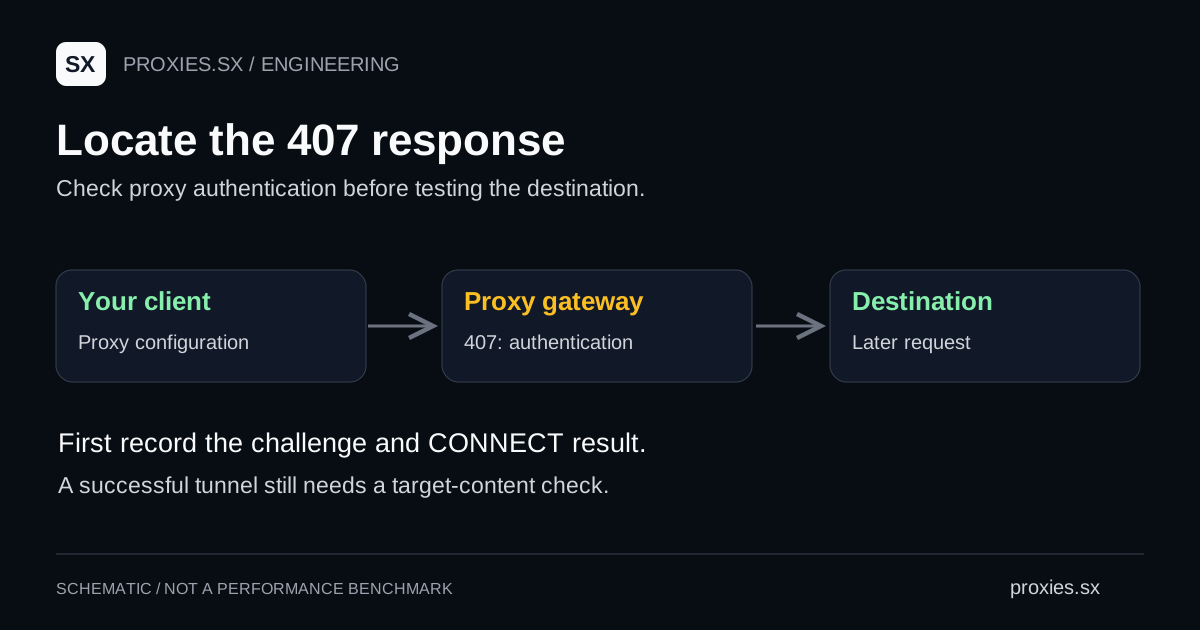
A 407 Proxy Authentication Required response asks the client to authenticate to a proxy. Start with the proxy connection settings and the authentication challenge. Buying another IP or repeating the same request gives you little new evidence while those settings remain unchanged.
Identify the authentication layer
HTTP separates proxy authentication from destination authentication. A 407 response carries a Proxy-Authenticate challenge; the client supplies proxy credentials through the corresponding mechanism. A destination login challenge normally uses 401 and WWW-Authenticate. These distinctions come from RFC 9110, section 11.7.
| Observation | Useful next step |
|---|---|
| 407 before an HTTPS tunnel opens | Check the proxy challenge, authentication method and credential format. |
| 401 from the destination | Check the destination account or API credentials separately. |
| 403 after connecting | Inspect the responder and its policy message; another password is not an established fix. |
| 429 after connecting | Inspect rate-limit information and the retry policy. |
| No HTTP response | Record the connection or TLS error before diagnosing authentication. |
Keep the sequence of events. An application may report a tunnel failure as an exception rather than return a normal response object. If an intermediary inside your own network generated the challenge, changing credentials for a different proxy will not address that challenge. Record which endpoint you configured and which hop your logs identify.
On the Proxies.sx Pool Gateway, the 407 body starts with a code that names the cause: E_AUTH_REQUIRED when no credentials arrived, E_AUTH_INVALID when they were rejected, E_BALANCE_EXHAUSTED when the password was right but the account has no traffic left, and E_CAP_EXCEEDED when a pak_ key reached its cap. Only the second one is a password problem. The gateway error code reference lists the fix for each, and curl shows the body when you repeat the request against an http:// URL.
Isolate one request with curl
Use a terminal to remove browser extensions, profile settings and application retry loops from the first test. Create a local curl configuration file named proxy-test.conf with the values from your provider. The values below are placeholders.
proxy = "http://PROXY_HOST:PROXY_PORT"
proxy-user = "PROXY_USERNAME:PROXY_PASSWORD"
url = "https://example.com/"
connect-timeout = 10
max-time = 30
silent
show-error
output = "/dev/null"
write-out = "CONNECT=%{http_connect} RESPONSE=%{response_code}\n"
# macOS/Linux: restrict access before adding real credentials.
umask 077
touch proxy-test.conf
chmod 600 proxy-test.conf
# Edit proxy-test.conf locally, then run:
curl --config proxy-test.confThis example uses a plain HTTP proxy to reach an HTTPS destination. Replace that scheme only with one the provider supports. Keep the file out of version control. curl documents both configuration-file syntax and proxy authentication options; credentials containing quotes or backslashes need correct configuration-file escaping.
The two printed values help separate a CONNECT response from the later destination response. A failed connection can leave a value at 000; read the accompanying curl error. This small test records status, not the destination body. After connectivity works, make a separate request to the page you actually need and validate its contents.
Check the configuration before retrying
- Compare the host and port. Copy both from the same product configuration. A pool gateway and a dedicated port can have different connection details.
- Check which password the product requires. For the Proxies.sx Pool Gateway, the connection documentation specifies a proxy password. Do not substitute a dashboard login password or API key.
- Check the complete username. Recreate it with the provider's documented country or session parameters. Remove accidental whitespace from copied values.
- Read the challenge. Match the client's authentication support to the method offered. Do not assume a username/password box supports every authentication scheme.
- Check account access. If credentials were rotated or access was changed, generate a fresh configuration and repeat one bounded test.
Change one item at a time and retain the result. For example, if the dashboard configuration works in curl but your script still fails, that narrows the investigation to the script's settings or execution environment. It does not prove the browser has the same proxy route.
Move the working settings into your application
Inspect environment variables and application-level overrides before replacing code. Python Requests documents environment proxy settings as well as explicit proxy configuration in its proxy guide. Record which source of configuration your running process uses, especially when a job works locally but fails in a container or scheduled worker.
For current client examples, use the HTTPX proxy guide, aiohttp authentication guide or Node fetch proxy setup. If environment settings seem to be ignored, compare HTTP_PROXY and NO_PROXY behavior.
Repeat the same small request in that process. If it succeeds, test one representative target response and confirm the required fields. Use our proxy tester as another observation, then follow the proxy suitability checklist before increasing traffic.
A useful support report includes the UTC time, product, client version, configured endpoint, status sequence and any non-sensitive request identifier. Redact credentials and authentication headers. If the response has become 429, move to the Retry-After guide rather than continuing to debug the password.
Common questions
Does 407 prove that my password is wrong?
No. It establishes an authentication requirement at a proxy. Missing credentials, the wrong authentication method or a configuration that points at another proxy require different corrections.
Should I rotate the exit IP?
First establish that authentication succeeds. Record an exit-IP change only when testing a separate routing or destination issue; it is not evidence that the original authentication configuration was correct.
Does a successful curl test mean my scraper works?
It confirms the request curl made. Your scraper still needs its own connection check and content validation, with its actual runtime and credentials.
Documentation reviewed September 22, 2026. Gateway codes checked October 19, 2026. The configuration example uses placeholders; no customer credentials or paid proxy traffic were used to produce this guide.
Browse the research library and network references for the registries and the other guides in this series.