Common Proxy Integration Problems and How to Troubleshoot Them in 2026
A proxy can appear healthy in a dashboard and still fail as soon as a browser session begins. One request returns HTTP 407, another exits through the wrong country, and a long-running task suddenly uses a different IP address. The errors look similar from the user’s perspective, but they originate at different layers.
Debugging is easier when you separate authentication, network transport, browser configuration, and session behavior. These examples describe reproducible failure patterns, not invented customer incidents.
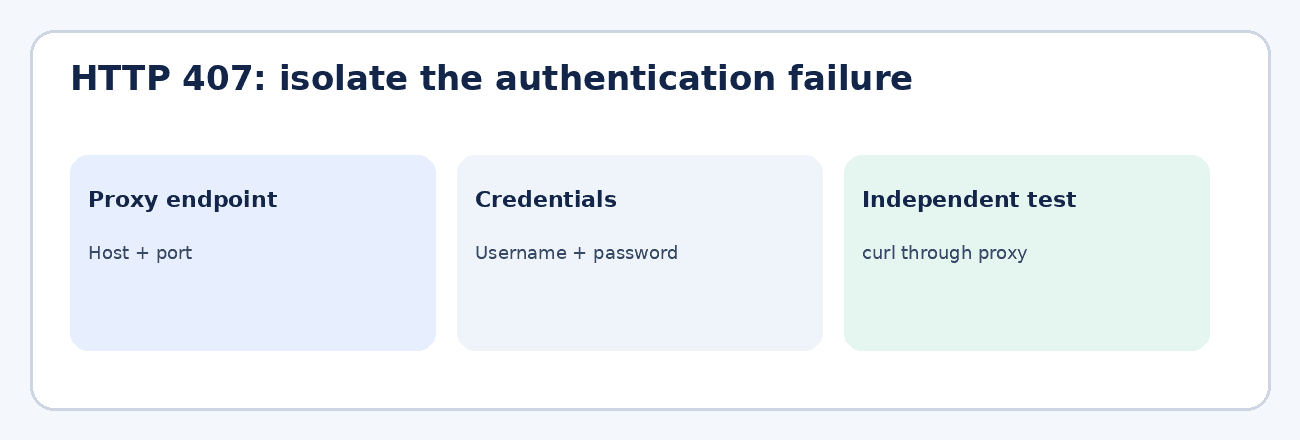
1. HTTP 407: The Proxy Rejects Authentication
Observed response: 407 Proxy Authentication Required. This is an HTTP response from the proxy indicating that acceptable proxy authentication has not been supplied. It is not the same as a destination website returning 401 Unauthorized.
Typical causes include incorrect credentials, an expired password, the wrong port, an IP allowlist mismatch, or unsupported authentication.
First compare the exact host, port, and authentication method with the provider’s settings. If the provider uses source-IP authorization, confirm the public IP of the machine making the request. Then test outside the browser:
curl --connect-timeout 10 --max-time 30 -x http://proxy.example:8080 --proxy-user USERNAME https://example.comThe --proxy-user USERNAME option prompts for the proxy password without embedding it in the command. Alternatively, use a locally protected curl configuration file with restricted permissions. Never paste live credentials into a command or shared logs. If the independent request works but the browser still returns 407, focus on browser authentication support and how credentials are supplied. Do not reset the entire proxy pool based on one browser error.
2. The Exit IP Appears in the Wrong Country
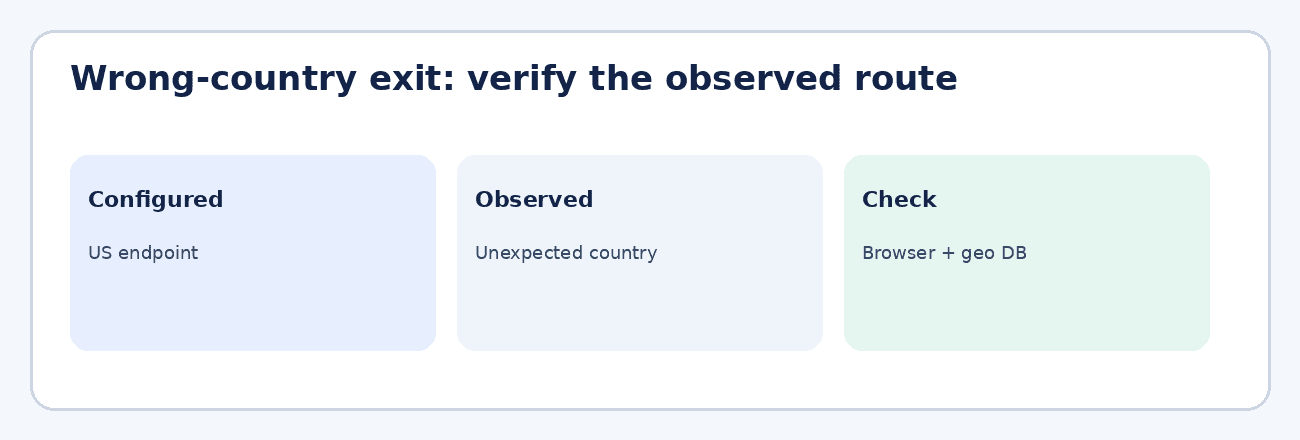
Observed failure: a US-configured gateway returns an exit that a geolocation checker identifies as Germany, or the browser displays the workstation’s ordinary public IP instead of the proxy exit. For example (illustrative, not a customer incident), the expected region is United States, but a browser IP check reports 198.51.100.24 as Germany. This is an observable location mismatch, not necessarily an HTTP error. The address is reserved for documentation; use the actual detected IP when troubleshooting.
There are three distinct possibilities. The proxy gateway selected a different regional pool; a geolocation database is outdated; or the browser bypassed the proxy altogether. A rotating gateway can also apply regional parameters differently from a fixed endpoint.
Open an IP-check page inside the exact browser profile used by the workflow, and record the displayed IP and country. A rotating gateway can legitimately assign different exit IPs to separate requests, so use the same sticky session or a fixed exit when comparing the browser with curl. For an independent HTTP(S) proxy test, run:
curl --connect-timeout 10 --max-time 30 -x http://proxy.example:8080 --proxy-user USERNAME https://api.ipify.orgEnter the password at the prompt rather than in shell history. The ipify endpoint returns the IP address, not its country; check that address against at least two geolocation databases. If the browser shows the workstation’s direct IP, review bypass rules and whether the proxy applies to every browser context.
If both clients use the proxy but the country differs from the selected region, verify the gateway’s country parameter and contact the provider with the observed exit IP and timestamp. An apparent mismatch alone does not prove intentional misrouting.
A correctly geolocated IP does not guarantee that a third-party platform will accept a session or particular activity.
3. Timeouts: Identify Which Connection Stage Failed
Typical errors include ERR_PROXY_CONNECTION_FAILED, ETIMEDOUT, and curl: (28) Operation timed out. These strings do not all identify the same failure. A timeout means an operation exceeded its waiting period; a browser connection failure may occur before the destination is contacted.
Confirm the hostname and port, then run a basic proxy request from the same machine. If it also fails, check DNS resolution, local firewall rules, gateway availability, and whether outbound traffic to that port is permitted. If the command-line request succeeds, inspect the browser’s proxy configuration and timeout settings.
Capture timing information where possible: DNS resolution, TCP connect, proxy negotiation, TLS handshake, and first byte from the destination. This shows whether the problem is reaching the gateway or waiting for a website behind it.
Increasing every timeout can conceal gateway instability. Use bounded retries for transient failures, and log where each attempt failed.
4. Browser Configuration Conflicts
Typical browser errors: ERR_NO_SUPPORTED_PROXIES, ERR_TUNNEL_CONNECTION_FAILED, or ERR_SOCKS_CONNECTION_FAILED. Their exact appearance depends on the browser and protocol. A working curl test does not mean the browser is configured correctly.
Check whether the endpoint is HTTP, HTTPS, or SOCKS5. A SOCKS endpoint cannot automatically be substituted into an HTTP proxy field. Next inspect proxy authentication support, browser extensions, system-level proxy settings, and exclusions that send selected requests directly.
For HTTP(S) proxies, Playwright supports separate server, username, and password settings, for example:
chromium.launch({ proxy: { server: "http://proxy.example:8080", username: "USERNAME", password: process.env.PROXY_PASSWORD } })Supply PROXY_PASSWORD securely through the local environment or a secret manager. These credentials must not be presented as authenticated SOCKS5 support in Chromium. Pass the settings through Playwright’s supported proxy configuration rather than assuming system settings apply. Test a clean browser context with no extensions before adding other tooling.
If a minimal browser context works, reintroduce settings one at a time. Identify the first change that reproduces the error.
5. A Sticky Session Changes IP Mid-Flow
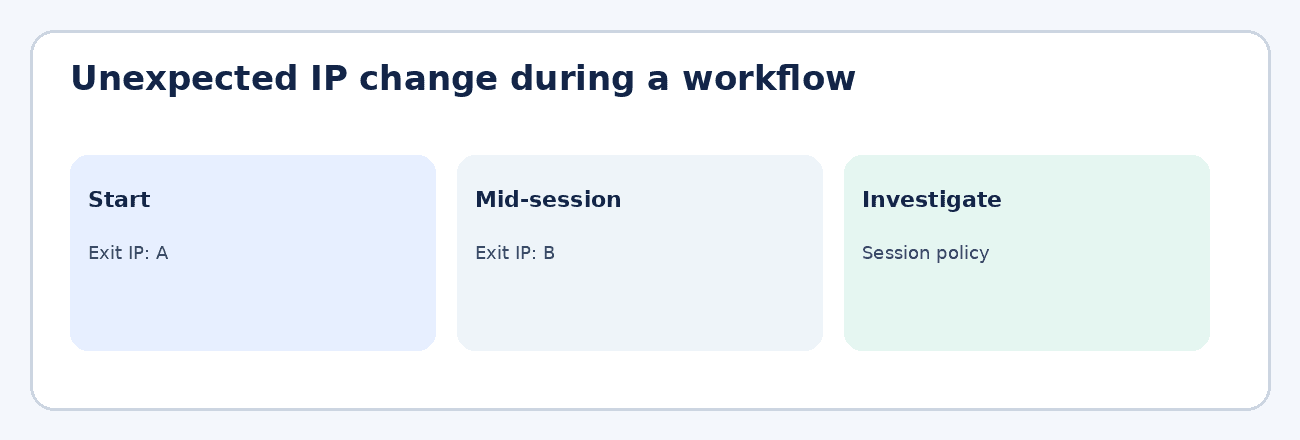
Observed failure: a browser session begins with exit IP 192.0.2.10 at 10:00:00 UTC, but a second check at 10:03:00 UTC reports 192.0.2.25, even though the same sticky-session identifier was expected to remain active. These are illustrative documentation-only IP addresses, not customer logs. The browser may continue loading pages, so the unexpected change can go unnoticed until application state or network-dependent checks fail.
Rotating access can deliberately assign different exits to different connections. Sticky sessions instead attempt to retain an exit for a defined duration or session identifier. Neither implies permanent assignment: provider policies, exit availability, and reconnect behavior all matter.
Confirm that the proxy product supports sticky sessions, how its identifier is encoded, and its documented lifetime. Using the same browser profile and session identifier, check the exit IP at the beginning, middle, and end of a short workflow; record each timestamp and IP in a simple log. Repeat the same IP-check request in that browser context rather than relying on a different client or network. If the IP changes, inspect whether the client rebuilt credentials, opened a new proxy context, reconnected, or exceeded the provider’s session limit.
For workflows that require a stable connection, detect an unexpected address change and pause the affected task rather than silently continuing. A mobile carrier can change a modem’s public IP even while the selected device remains the same. Monitoring can detect a change and stop the workflow, but it cannot guarantee advance warning or prevent the change. Recording the event makes the failure observable and prevents unrelated browser errors from obscuring the original cause.
6. A Proxy Works for One Site but Not Another
Typical responses: 403 Forbidden, 429 Too Many Requests, or ERR_CONNECTION_RESET. A successful IP-check request proves that some traffic passes through the proxy. It does not establish that every destination will accept it.
A 403 may be a destination access decision. A 429 generally indicates rate limiting by the responding service, although intermediaries can enforce their own limits. A reset can occur at multiple points on the network path.
Inspect response headers and logs to identify which component generated the response. Test only destinations you are authorized to access, compare behavior through direct and proxied connections, and follow the destination’s access policies. If requests are rate-limited, reduce their frequency rather than trying to evade the restriction.
If unrelated destinations fail similarly, investigate the gateway and local network. If only one fails, examine that service’s requirements first.
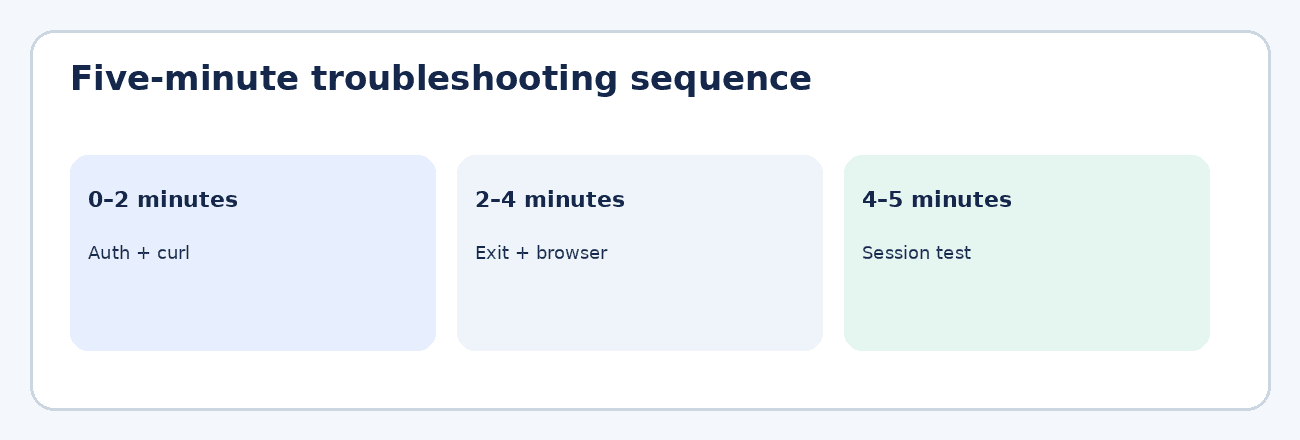
A Five-Minute Proxy Troubleshooting Checklist
- Minute 1 — Verify endpoint, port, protocol, and authentication method.
- Minute 2 — Reproduce the request with an independent HTTP client.
- Minute 3 — Check the browser’s actual exit IP and expected country.
- Minute 4 — Test a clean browser context and review bypass settings.
- Minute 5 — Confirm session persistence and record the exact error and timestamp.
Share error codes, timestamps, the proxy endpoint identifier, and the observed exit IP with support. Never include passwords, access tokens, or private account data in troubleshooting screenshots.
Frequently Asked Questions
What does 407 Proxy Authentication Required mean?
The proxy requires authentication that the client has not supplied successfully. Check credentials, authentication type, and any source-IP allowlist.
Why does my proxy show the wrong country?
Possible causes include a regional gateway setting, outdated geolocation data, or a browser bypassing the proxy. Verify the observed exit IP before changing providers.
Why does curl work when the browser fails?
The browser may use different protocol, authentication, or bypass settings. Start with a minimal browser configuration and compare.
Can a sticky session still change IP addresses?
Yes. Session persistence is subject to provider limits, reconnects, and network availability; it is not a guarantee of a permanent IP.
Final Takeaway
Treat each error as evidence about a specific layer. HTTP 407 points toward proxy authentication. Wrong-country exits call for route and geolocation checks. Timeouts need connection-stage diagnosis. Browser errors require a minimal configuration test, while unexpected IP changes require session-level investigation. Change one variable at a time, and record the result before proceeding.
For browser-based prospecting teams, verify networking independently from account and application behavior. These troubleshooting steps apply broadly to authorized browser automation.
Test your proxy setup
Check credentials and protocol with the free PROXIES.SX proxy tester, or look up a specific gateway error in the troubleshooting guides.
This is a guest article contributed by Maksim Vertish and published by PROXIES.SX. The opinions and troubleshooting advice in it are the author's own. The editor's note in section 5 was added by our editors. Figures are supplied by the author. The outbound link to outzeach.com uses rel="nofollow sponsored noopener noreferrer".