Portproof: proxy access, travel data and SMS services
Portproof brings proxy connections, travel connectivity and SMS products into one online shop. Customers can buy shared proxy traffic by the GB, rent a mobile device for a selected term, or choose an eSIM or SMS service for a separate task. Its storefront provides account management, purchasing and setup information alongside a developer API.
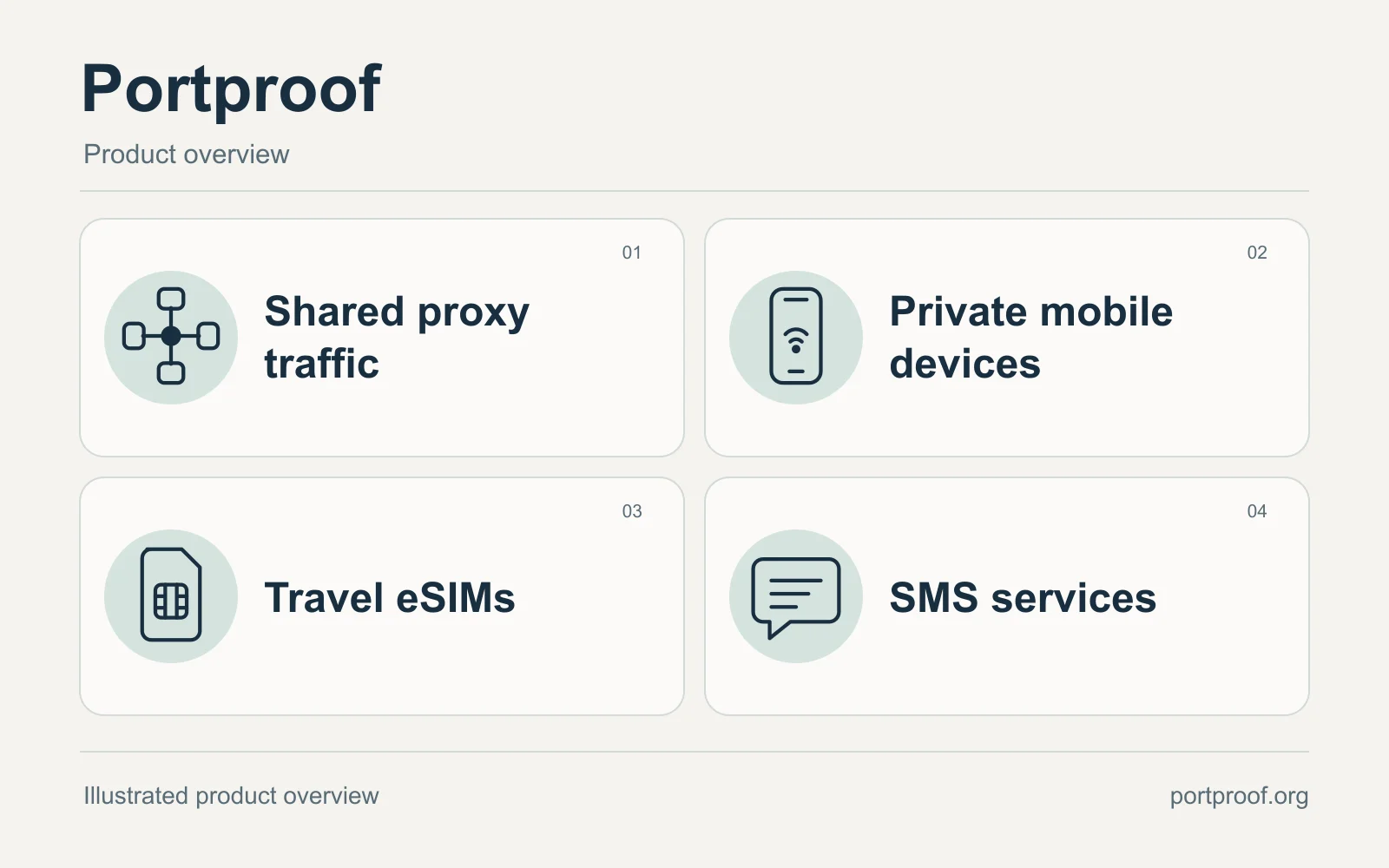
A Proxies.sx partner profile based on public Portproof product documentation.
Which Portproof product fits your task?
Each product has its own purchase and delivery model. Check what you receive before comparing prices.
| Product | What you buy | When to choose it | Check before ordering |
|---|---|---|---|
| Shared proxy traffic | A GB allowance shared by mobile and peer routes. | Route a browser or script through an available country and pool. | Live stock, client compatibility and measured traffic per completed task. |
| Private mobile device | One device reserved for the selected rental term. | Keep access to a particular mobile device for ongoing work. | Country, carrier, allowance, renewal and supported rotation controls. |
| Travel eSIM | A data plan with stated coverage and validity. | Connect an eSIM-compatible phone while travelling. | Device lock, every destination and when plan validity begins. |
| SMS service | An activation window, fixed rental or monthly number. | Receive messages for a supported, permitted task. | Supported service, number country and the access end time. |
Private mobile devices rented by term
Private mobile rentals reserve one device for the selected term and are priced separately from shared traffic. Listings identify the country, carrier and rental period, with their own HTTP and SOCKS5 connection details. They include rotation logs and IP-change controls where the port supports them.
Check each listing’s allowance and renewal conditions before ordering. Reserving a device does not make its public IP permanent; a mobile carrier can still change the address.
Browse private mobile rentals →Save a configuration for repeat work
Portproof’s documentation describes named saved connections with retained routing settings and server-assigned session IDs. Export the saved configuration for your client rather than rebuilding it from a label. Live country and network choices help narrow the route.
Sticky sessions prefer an existing binding while it remains available. Timed modes are evaluated on a later connection; neither mode guarantees a different IP or closes an already-open socket.
Read the connection setup guide →API access and tools for developers
The public guides cover curl, Python, Node.js and Playwright. Portproof also documents an API for account and connection operations, plus an MCP integration for compatible AI tools. MCP manages those operations; the application’s HTTP or SOCKS5 client carries the proxy traffic.
For a new integration, start with one saved configuration and a bounded test. Inspect the actual result and measured traffic before increasing the workload.
Explore agent and data-pipeline guidance →Travel eSIMs for connected devices
The eSIM catalogue lets travellers compare destinations, data allowances and validity periods. After delivery, installation details and the plan’s reported status are available in the account. Regional plans list their covered countries so a buyer can check the whole itinerary.
Use an unlocked, compatible device and read the activation policy before installing. Hotspot support, top-ups and other features depend on the plan. A data eSIM does not automatically include voice calls or carrier SMS.
Compare travel eSIM plans →SMS activations and number rentals
Portproof separates one-time SMS activations from fixed-term rentals and monthly number products. Each listing defines its service, country and access period. Customers can review the delivered number and received messages in their account.
Choose the access period for a permitted task and check the receiving service’s rules. A listed number does not guarantee acceptance by another service, and a rental is not permanent ownership of that number.
View SMS services and rentals →Choose the product around the task
Portproof publishes guidance for public-price monitoring, ad verification, market research and location-based QA. For proxy work, begin with the required country, network type and a small test in your own client. For travel or SMS, compare the selected plan’s coverage and access conditions.
Current prices and availability belong in the live catalogue. Portproof also provides product guides, a status page and support contacts to help buyers assess the setup before committing to a larger order.
Find a guide for your use case →Plan a useful first proxy test
Use a small sample of the work you intend to run. Decide what a correct result looks like before sending traffic.
Choose an available route
Select the pool explicitly, then a country and any necessary network filters from live availability. Several filters can narrow the selection to no matching stock. Keep unknown or stale availability separate from a confirmed zero.
Choose and save a configuration →Use the complete connection export
Save the configuration and copy its full connection details into your actual client. Its display name is a label, not a proxy username. For private devices, copy the credentials for the chosen protocol; HTTP and SOCKS5 details may differ.
Check private port setup →Check the returned content
Run a connection check, then a representative task on a destination you are authorised to access. Record the expected result, completion time and failed attempts. An HTTP 200 or a successful IP check alone does not establish that the task worked.
Use the trial evaluation guide →Size the next order from measured use
Compare account usage before and after an isolated run, allowing for the meter to update. Include retries and failed transfers in your estimate. Recheck the sample when you change page resources, concurrency or client settings.
Estimate your traffic requirement →
Questions before you connect
Will a SOCKS5 address work in any application?
Check that your application supports SOCKS5 username and password authentication. A proxy address field alone is insufficient. In curl, socks5h resolves the destination name through the proxy. Test the exact application and version you plan to run.
SOCKS5 client requirements →Does editing a saved proxy disable an earlier export?
Portproof documents that routing changes create a new configuration version and SID. Earlier exported connections may still work. Renaming, editing or retiring a local configuration must not be treated as password revocation.
Saved configuration lifecycle →Does a mobile proxy make a desktop browser act like a phone?
A mobile proxy changes the network route. Browser behaviour, device settings, language and account state remain separate. For location QA, check the page result in the client you will actually use.
Understand the selected network →Will a separate SMS purchase add texting to my eSIM?
A Portproof SMS number has its own account inbox, service scope and term. It does not automatically add carrier SMS to an eSIM profile or deliver messages into the phone’s SMS app. Check the selected eSIM plan’s stated features separately.
Compare data eSIMs and SMS access →Official Portproof resources
This profile draws on Portproof’s public product pages and documentation. Check its current catalogue for prices, availability and plan conditions. Product descriptions are not independent performance measurements.
- Portproof
- Shared proxy traffic
- Private mobile rentals
- Documentation and API
- Travel eSIM plans
- SMS services
- Use cases
- About Portproof
- Saved configurations and exports
- Evaluate a proxy trial
- Private port setup
- Data eSIMs and SMS